
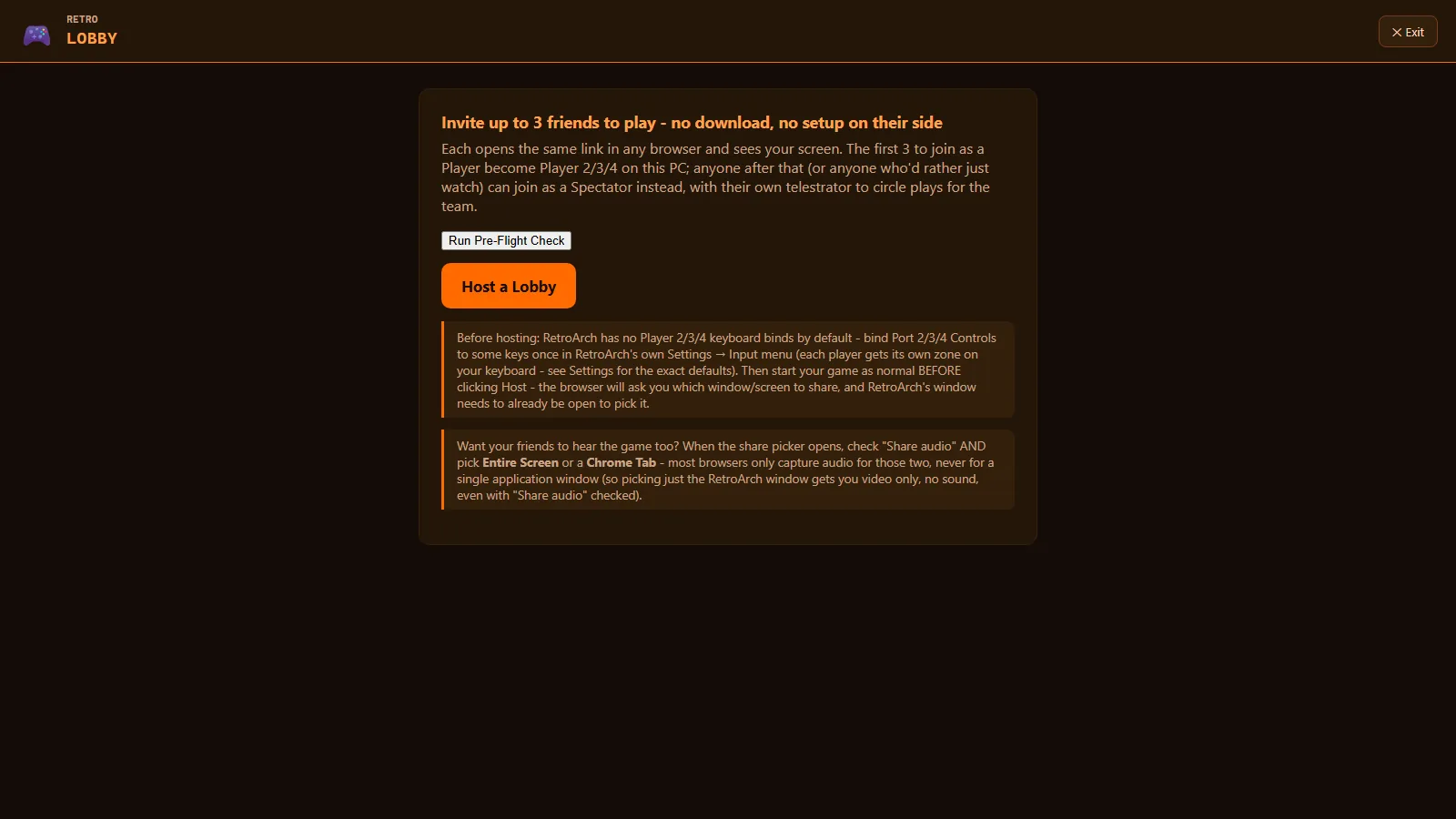
Browser co-op
Retro Lobby
Send a friend a link and they become player two from their own browser. No downloads and no accounts.
One fast, controller-first library for everything on your PC. Private by design, and completely free.
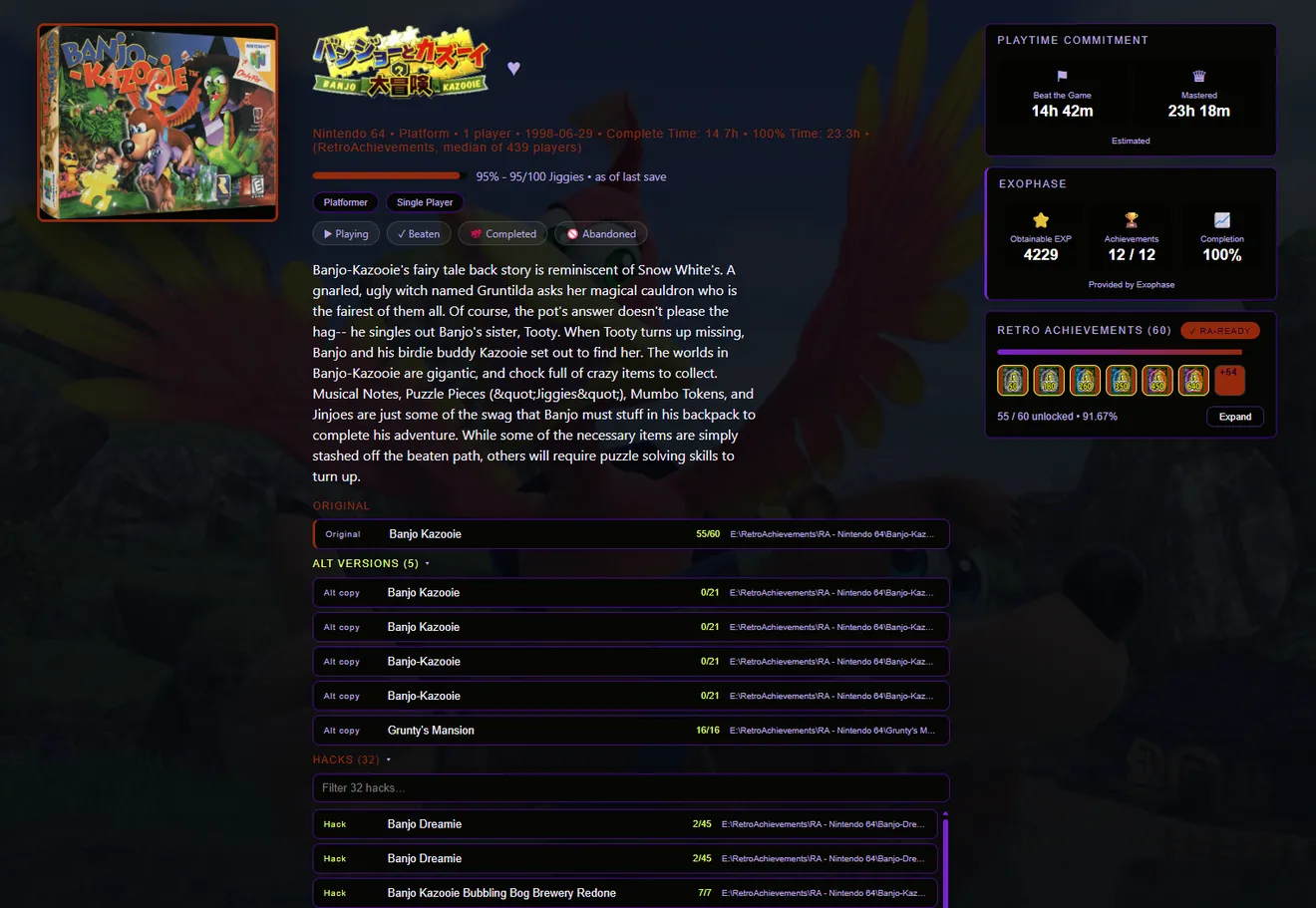
Progress tracking
Not hours played — the number the game itself keeps. For 314 games so far, YendleBox reads it straight out of your save file.
PlayStation · save file
108 / 108
Stars of Destiny recruited
from your last save
The game’s own number
Exits cleared, cups won, missions done, chapter reached.
Never a guess
If it isn’t certain, it shows nothing at all.
Missable content
Tells you when a game has something you can permanently lose. A game with nothing flagged is never shown as an all-clear.
Tell it how long you have and it shows you what you can actually finish tonight, based on your own saves.
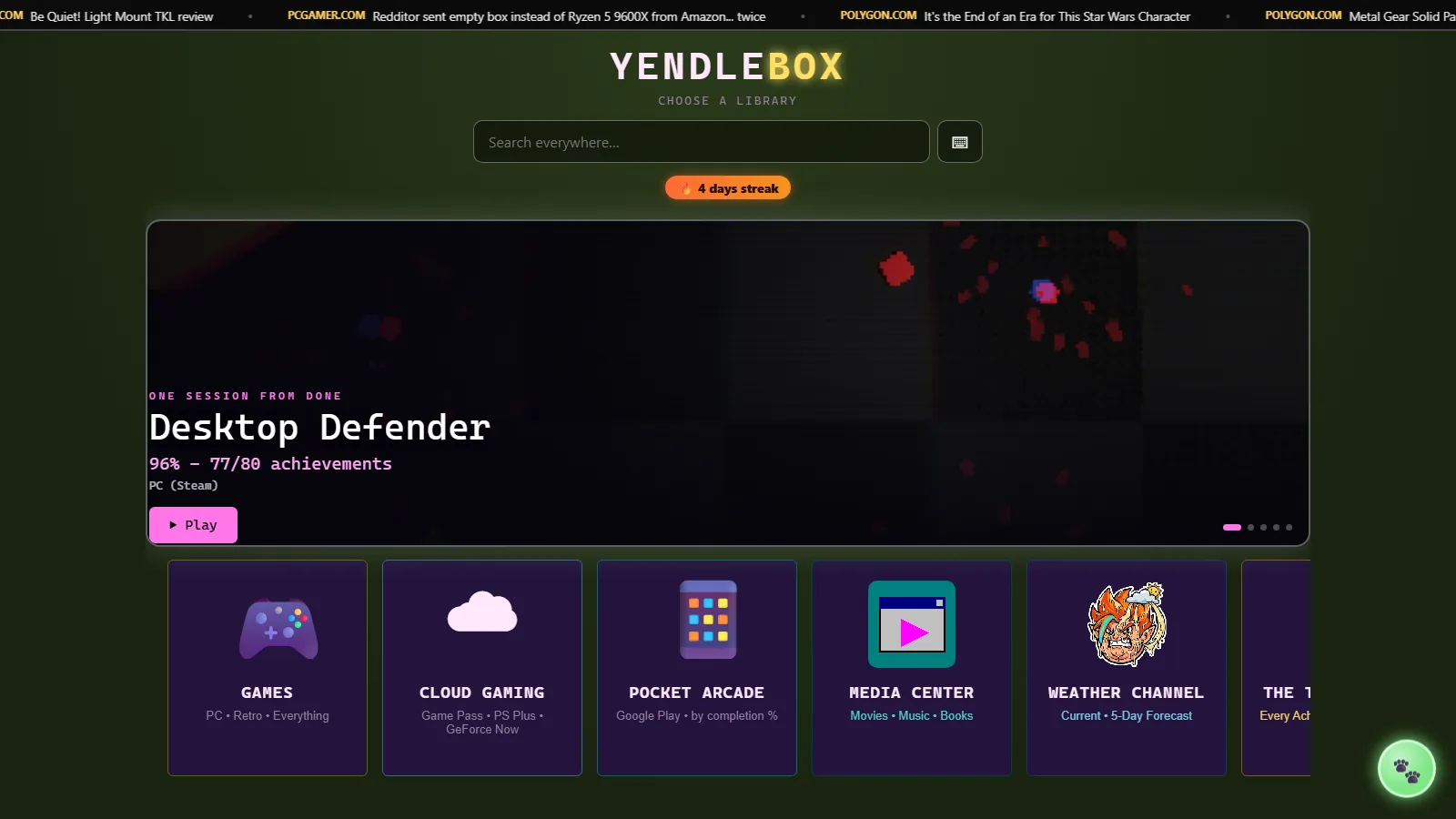
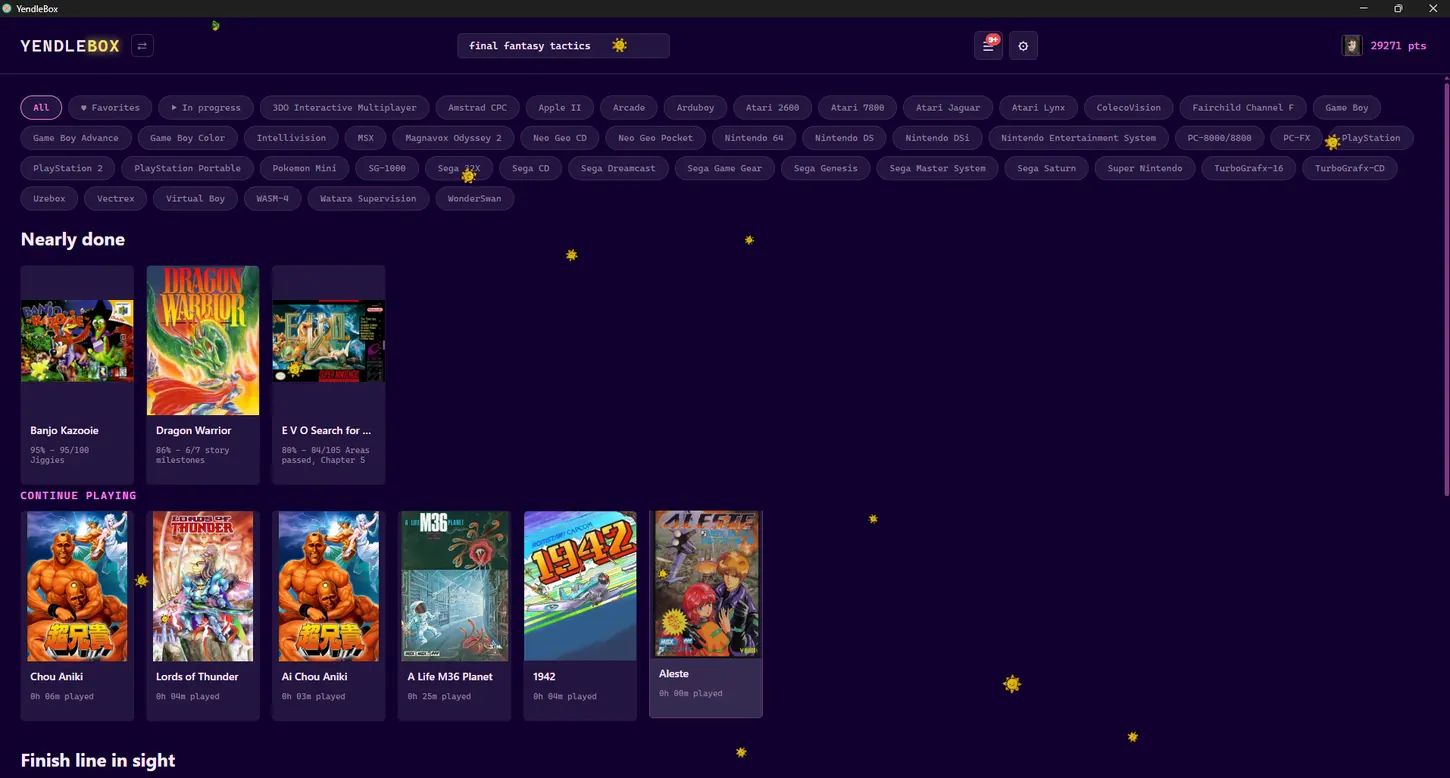 Your whole library
Shelves that sort themselves — nearly done, keep playing, and finish line in sight.
Achievements
RetroAchievements, Steam, Exophase and Google Play together. And YendleBox picks a supported emulator for you, so your games can earn trophies instead of silently not counting.
Themes
The skin, the homepage and the game list are three separate choices. A theme pack sets all three at once.
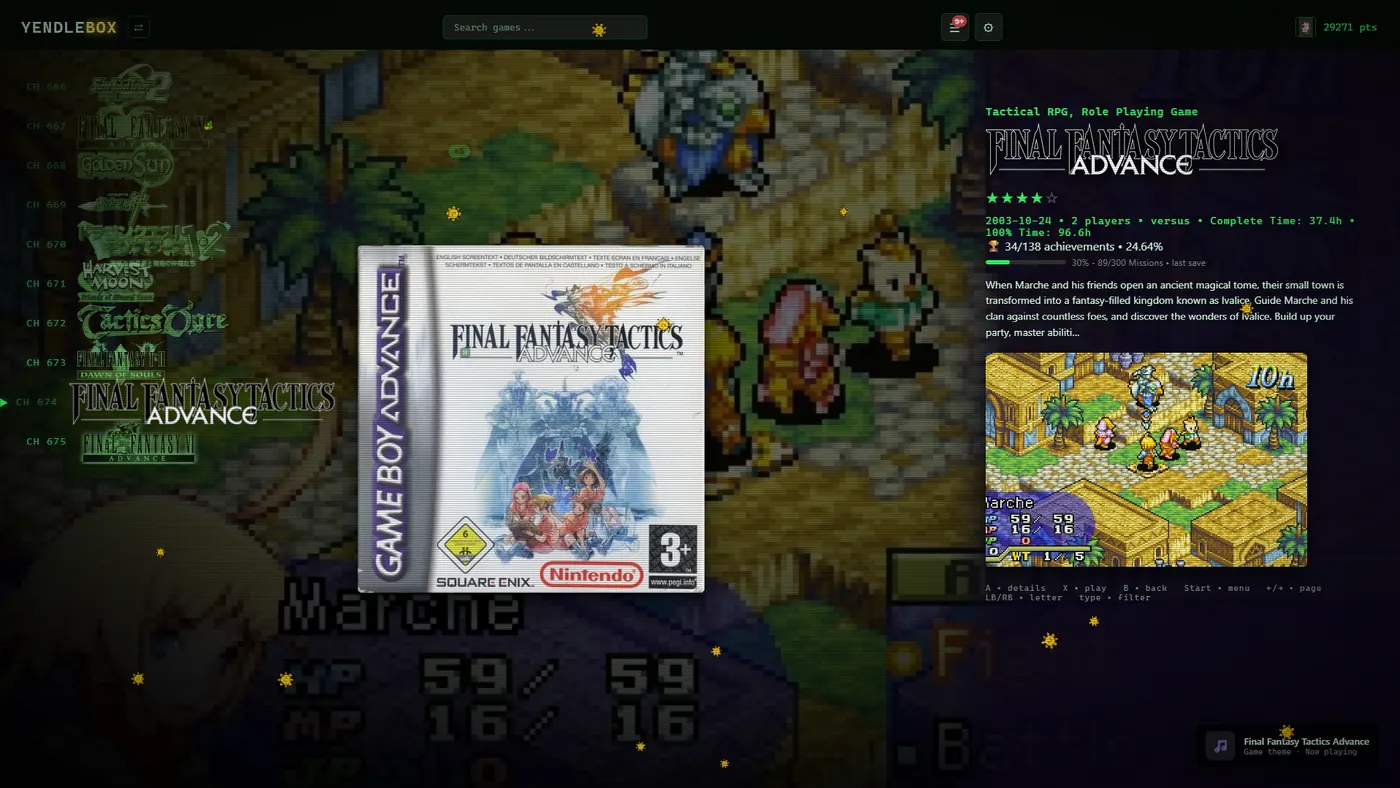 CH 001
Every game gets a channel number, and moving between them zaps like an old set changing channel.
Homepage layouts
Six of them, each based on a console menu you already know.
Colours from the cover
Each game tints the screen to match its own box art.
Time of day
The colours shift from morning to night, and change again when it rains.
Picture settings
CRT filters and sharp pixel scaling, set from the couch.
Controller support
I wanted to play from the sofa without reaching for a keyboard. So every screen works from the pad.
Made for the TV across the room
Built for a TV and a controller, with a thick selection outline you can follow from the sofa.
No mouse needed
Every screen works from a controller, including all the extras.
Hold both to come home
Done with a game? Hold both for two seconds and you are back on the main screen. No keyboard, no alt-tab.
Modular extras
Out of the box it is your ROMs and your Steam games. Everything else is a tick box, and unticking one removes it completely.
Send a friend a link and they become player two from their own browser. No downloads and no accounts.
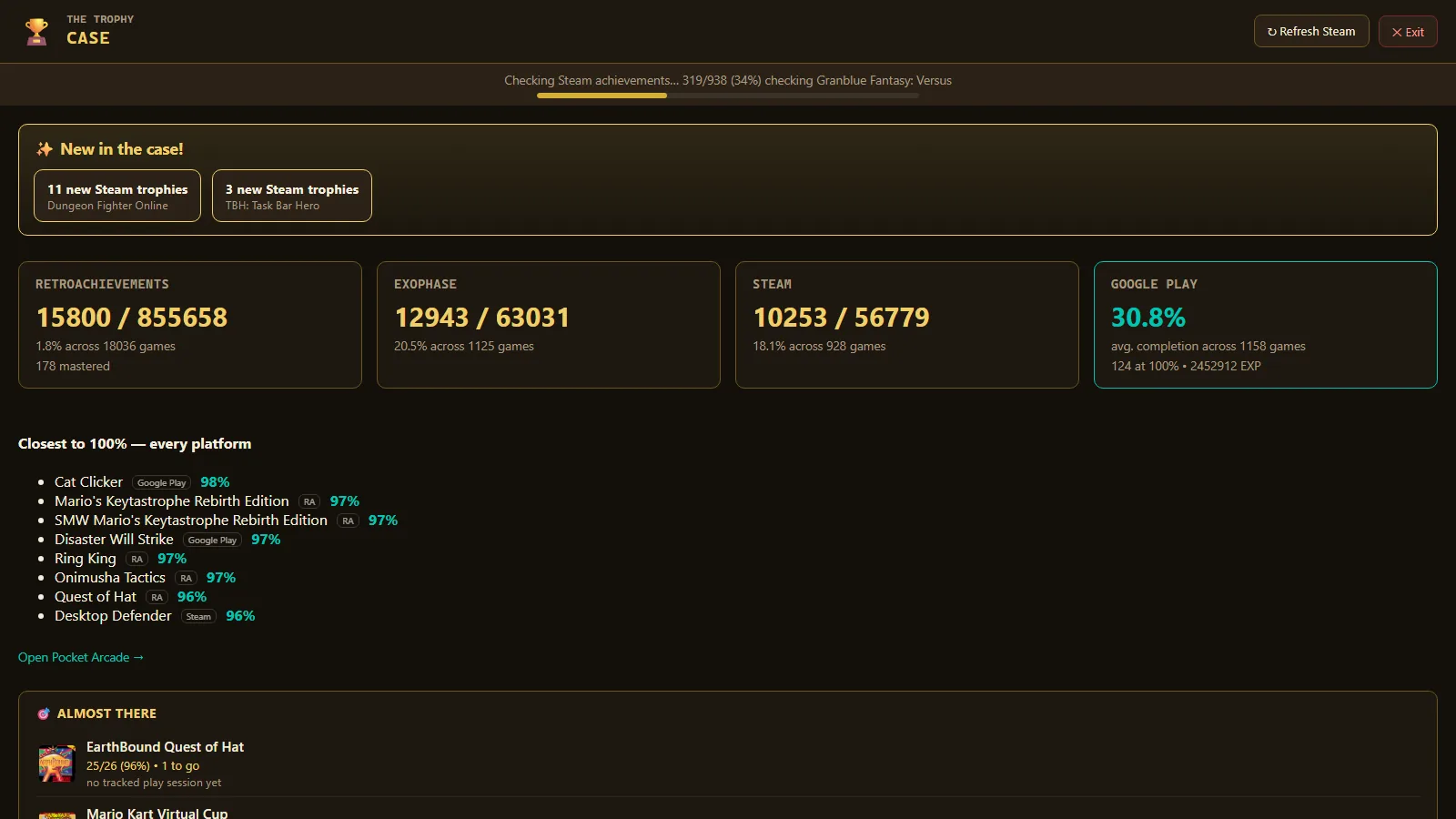
Every trophy you have earned, in one list instead of four browser tabs.
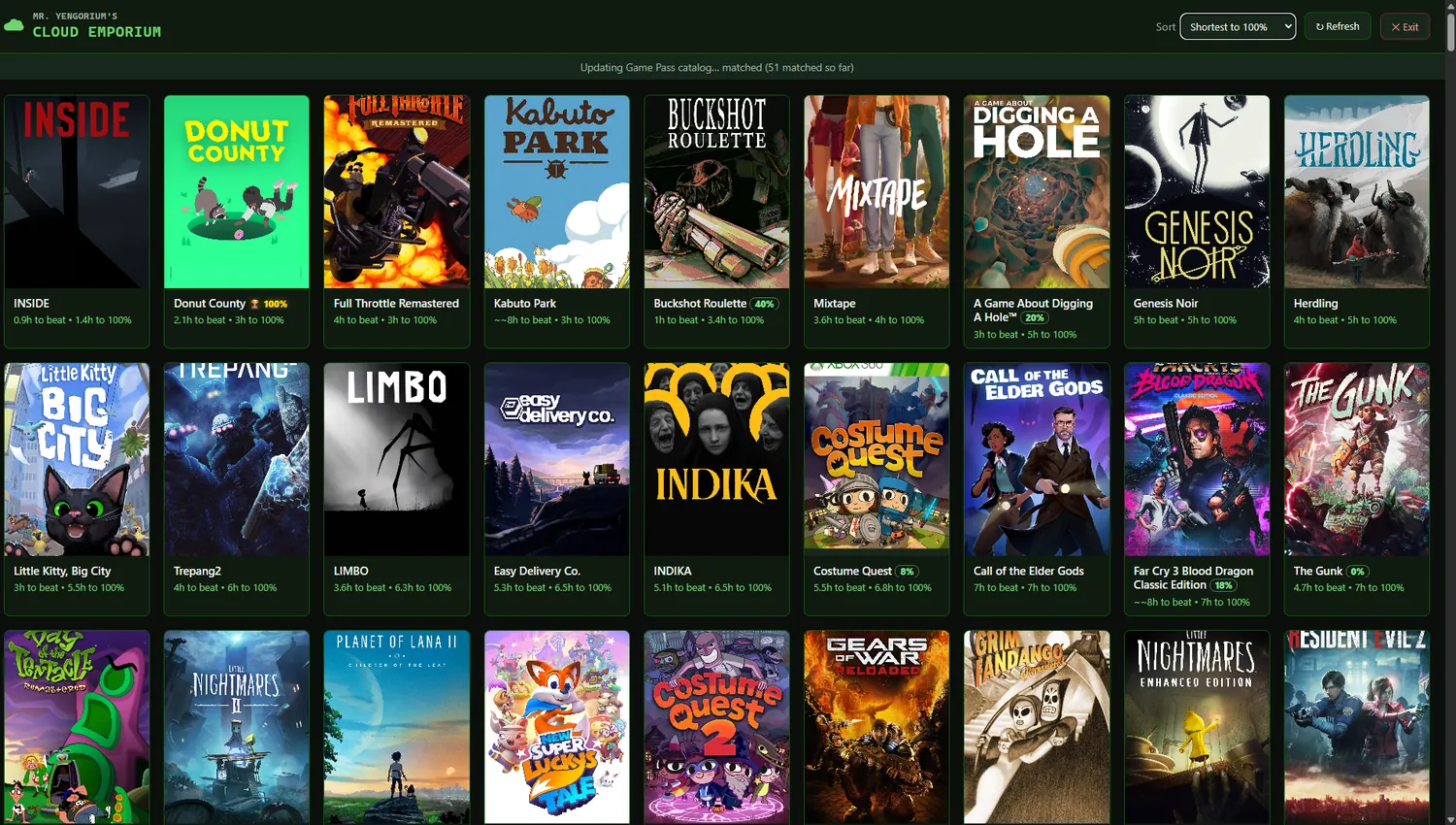
Your whole Game Pass catalogue, sorted so the quickest games to finish come first. Pick one and it starts streaming in a click.
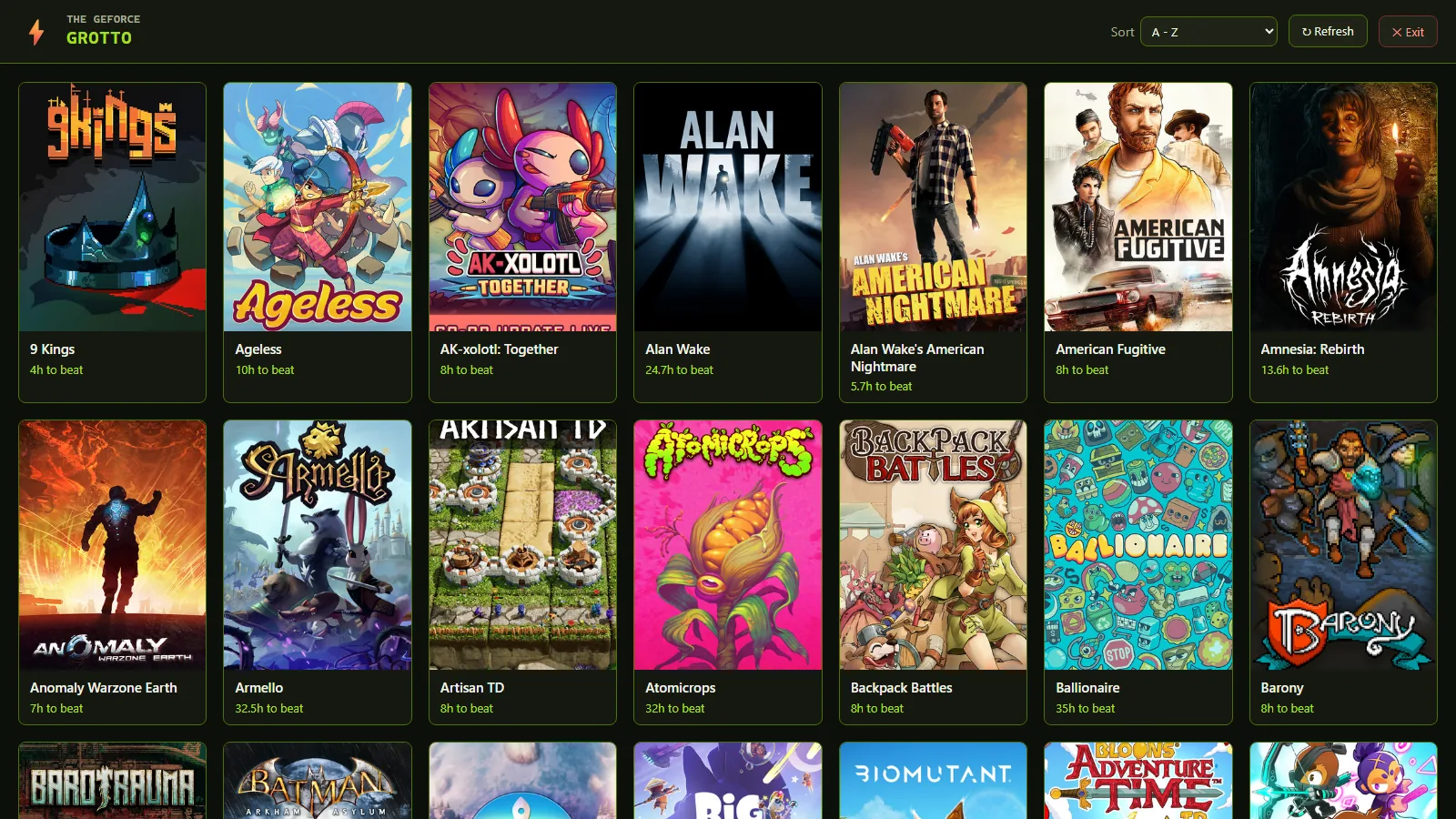
Checks your Steam library against GeForce NOW, so you know what you already own that will stream.
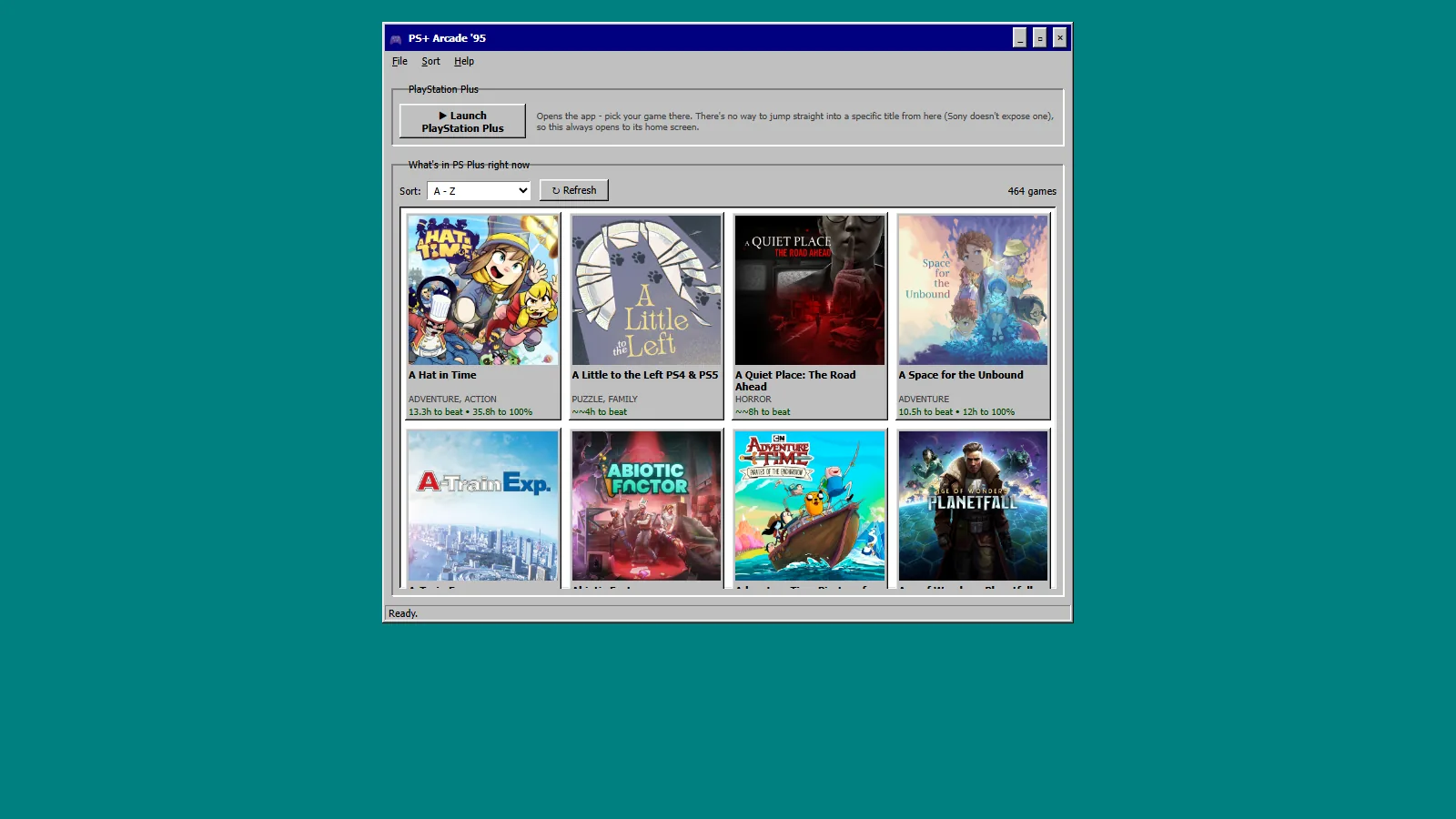
PS+ Arcade ’95
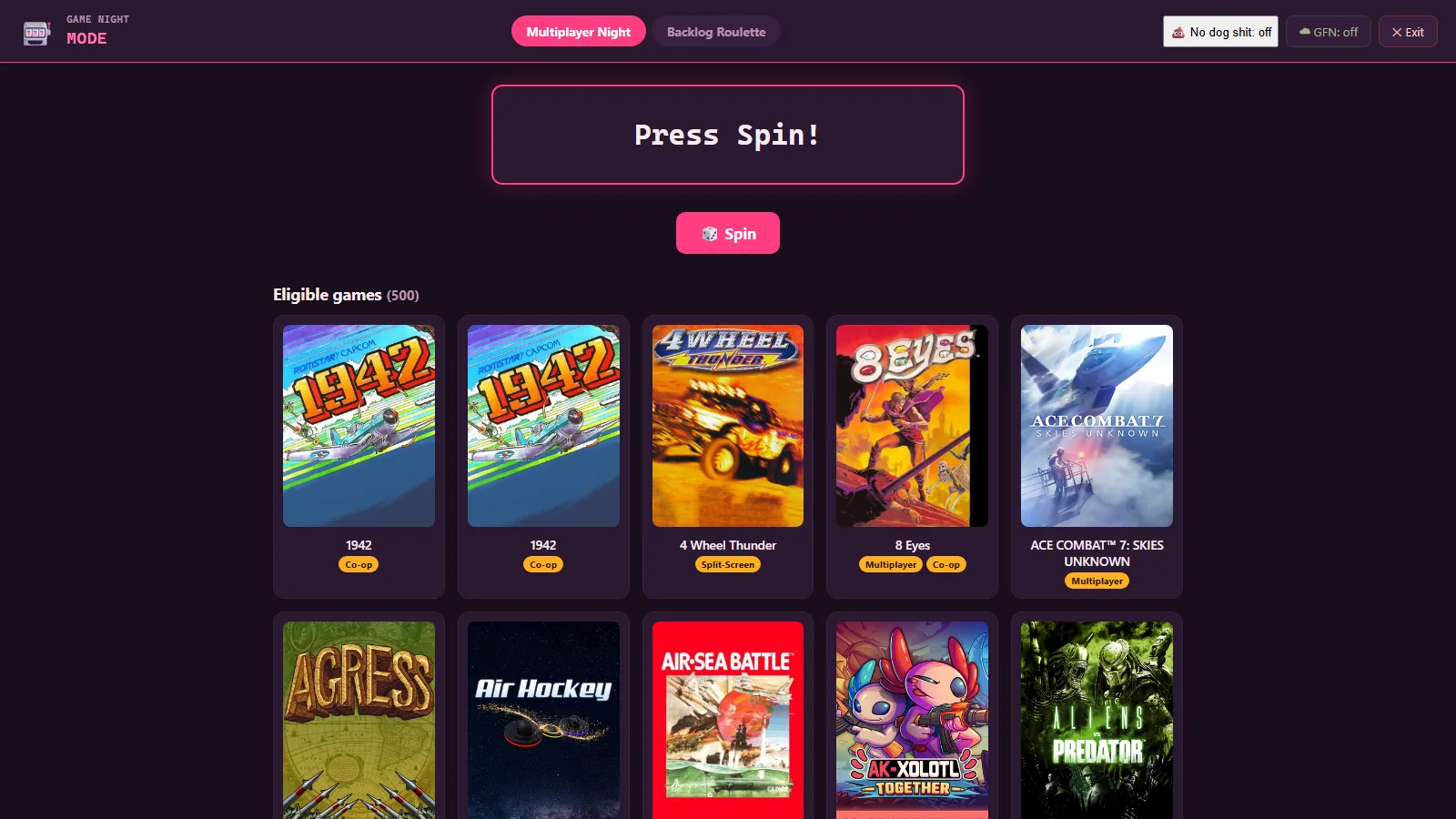
Game Night
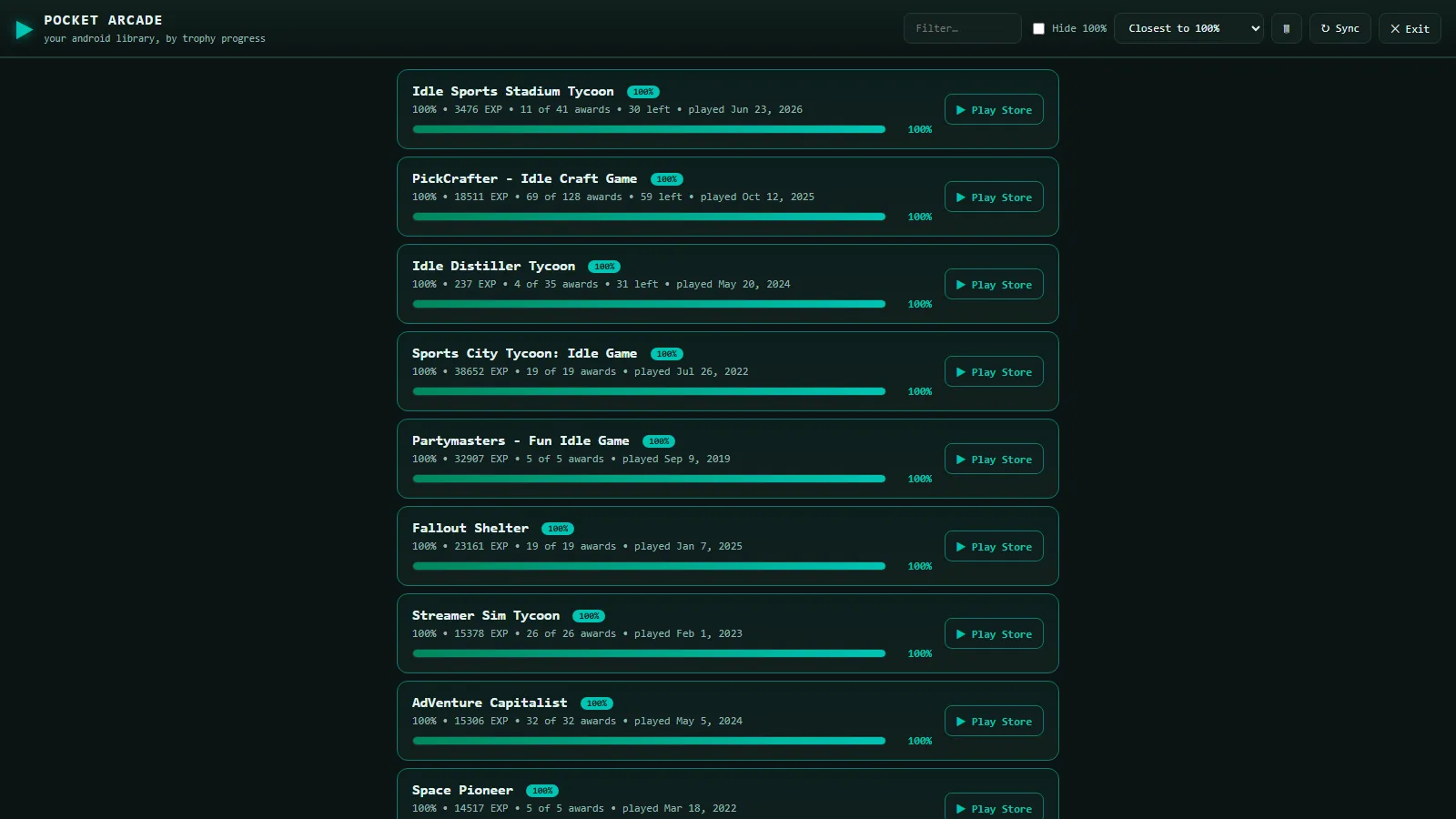
Pocket Arcade
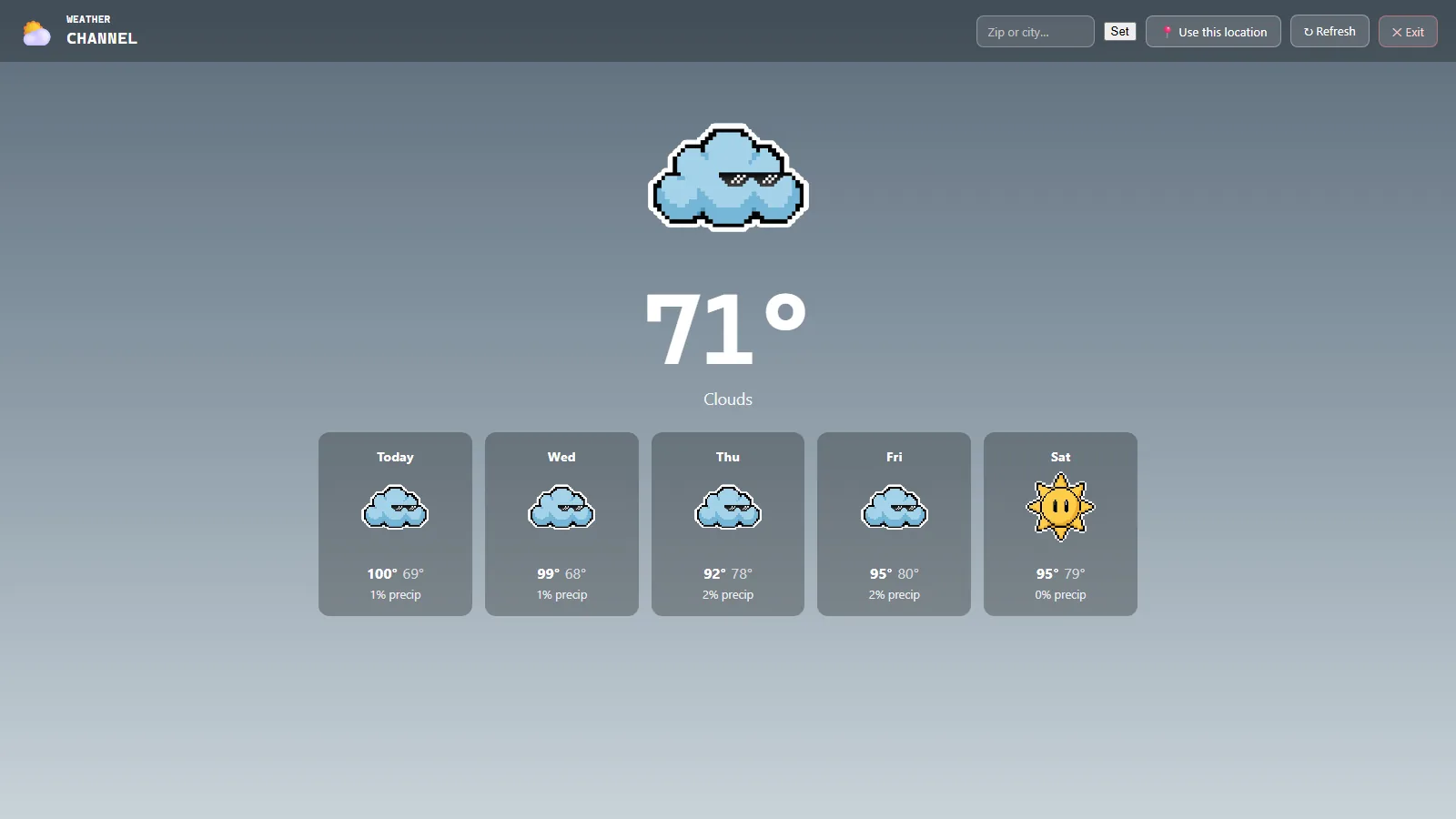
Weather Channel
Both of you run the game, so only the buttons travel. It checks you have the identical ROM and core before you start — RetroArch only warns about a mismatch and then plays on into a desync — and it can host through a relay if neither of you can forward a port.
Safe and private
Not a promise about what we choose not to do — there is no YendleBox company, server or account behind any of this to do it with.
There is no server
Nothing is uploaded to YendleBox because there is nowhere to upload it to.
Nothing phones home
No analytics and no crash reporting.
Saves are read only
It reads your saves and backs them up. It never writes over them.
Cloud saves cannot delete
The Google Drive sync has no delete function at all.
Leave an email and you’ll get one message when it launches — the download link. Launching Q1 2027. From there you’re playing in about five minutes.
Q1 2027 · Windows 10 or 11 · Free, always · Games not included